We've changed the Finix Settlement report to add clarity to the details and hopefully address the concerns of our dealers.
Changed ‘Run in Non-Reconciled Mode?’ to ‘Run in Non-Statement Mode?’
As item in list selected
Do not auto-check ‘Run in Non-Statement Mode?’
Do not Fill-in Bgn/End dates
If you have dates and ‘Run in Non-Statement Mode?’ = YES- Non Statement RUN
If you have dates and ‘Run in Non-Statement Mode?’ = NO - Statement RUN For dates
If Status is ‘APPROVED’ GREEN
Checkbox else RED
This is part of the changes we've made to the Finix Settlement report. Finix Report is showing negative amounts. Dealers don’t know what this is, there is no linking back to the settlement or transaction. Cleaned up detail and summary reports.
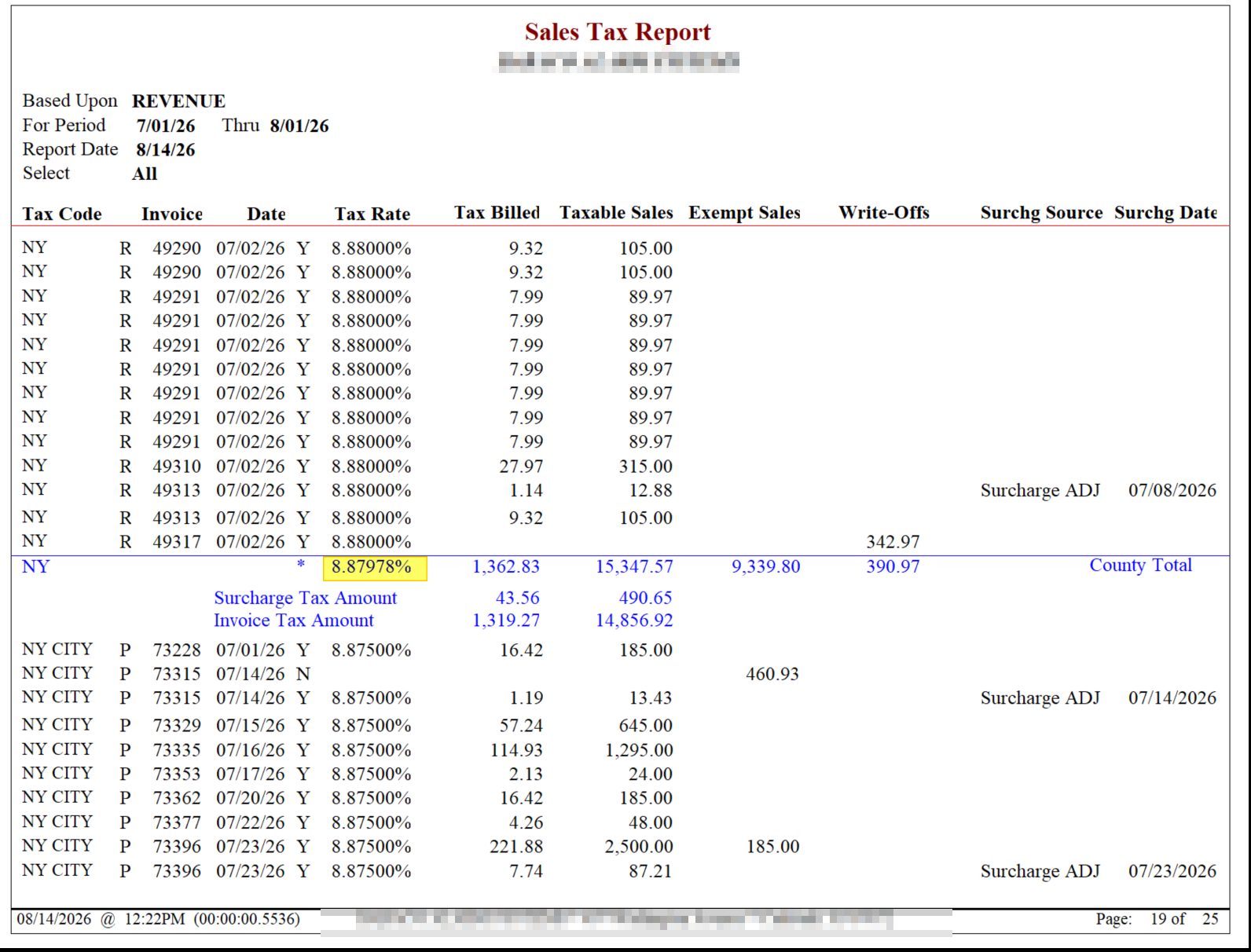
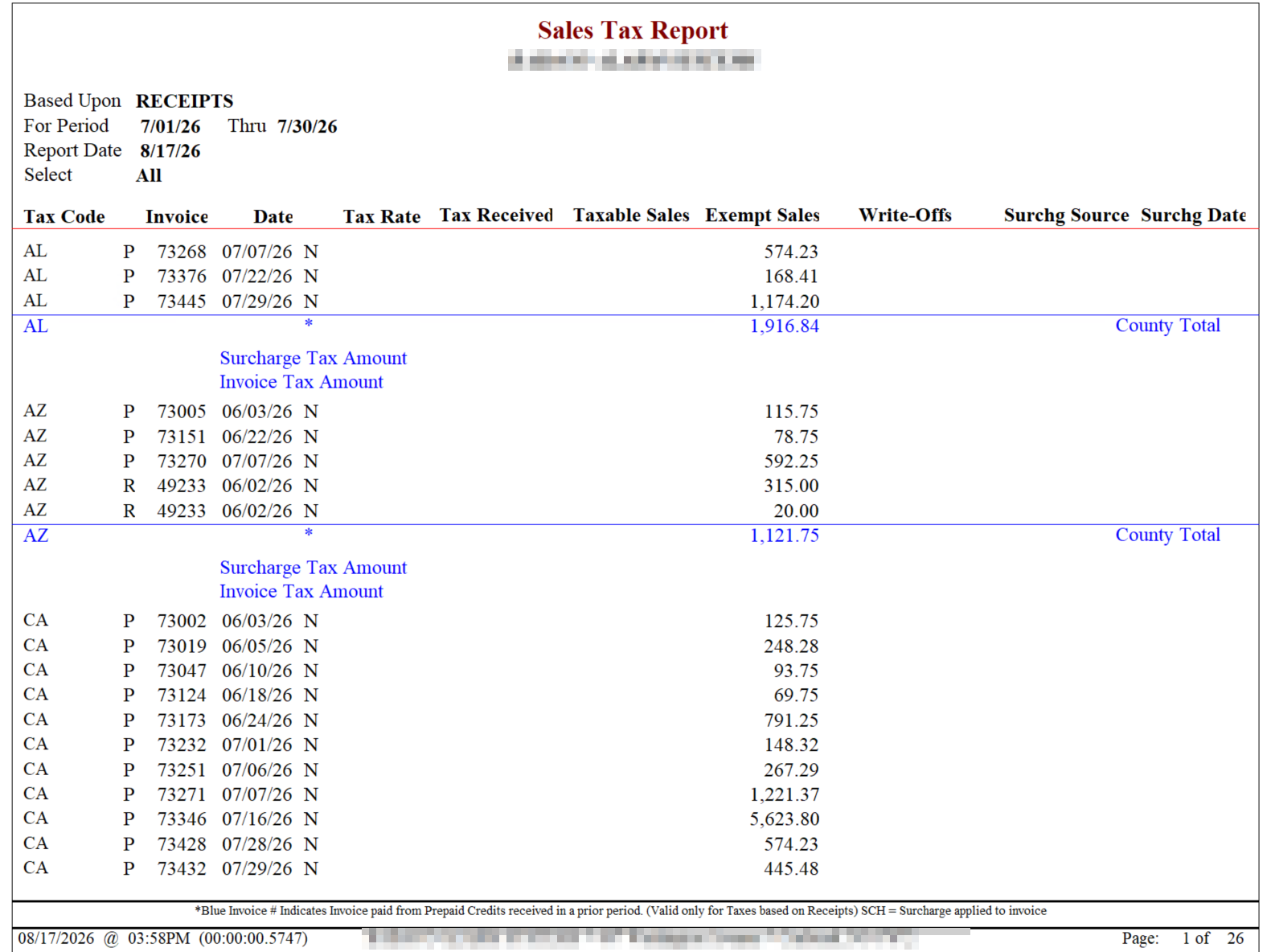
The sales tax report shows in blue the round up percentage. This is causing dealers to question the report. Removed on detail report, still shows on summary.
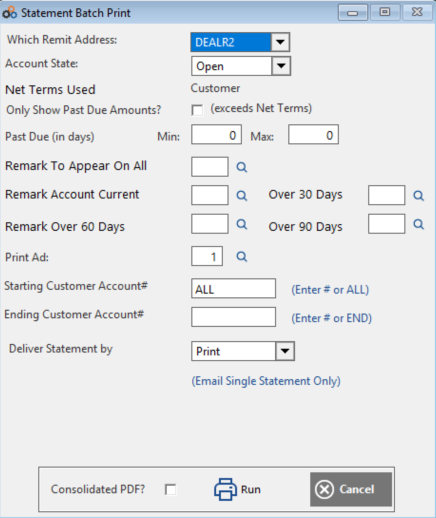
We have a checkbox on each customer account - NO STATEMENT. This has always only kicked in when sending statements to PrimaData.Now we have customers printing their own invoice and their own statements. When self generating the statement the flag is being ignored. We now honor the NO STATEMENT by default.
Was this article helpful?
That’s Great!
Thank you for your feedback
Sorry! We couldn't be helpful
Thank you for your feedback
Feedback sent
We appreciate your effort and will try to fix the article